Best Voice to Text Apps for iPhone (2026)
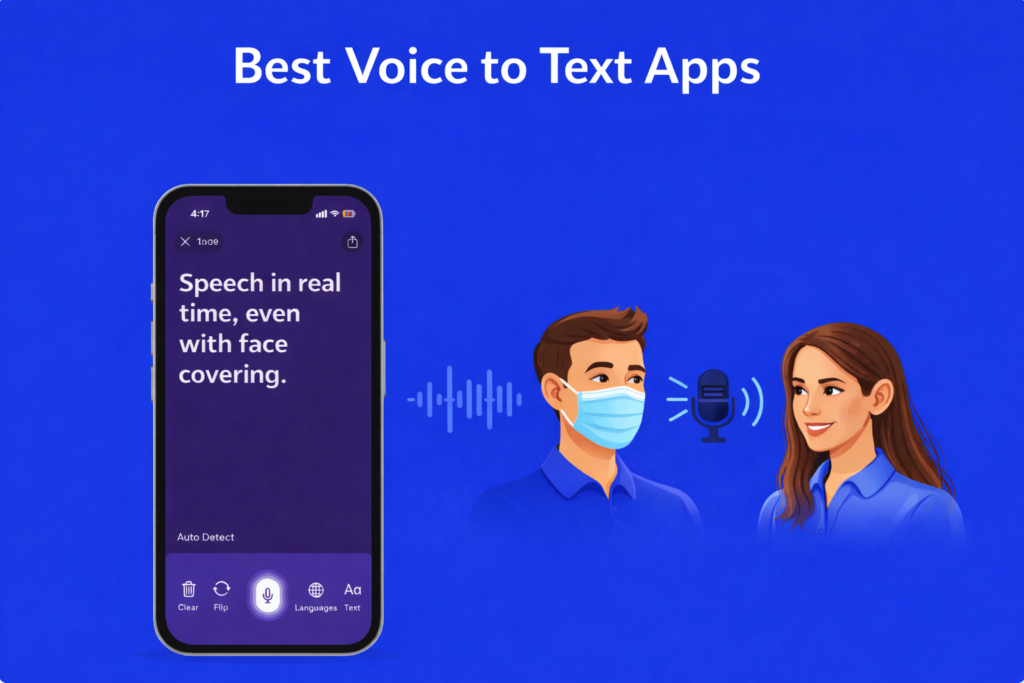
Looking for the best voice to text app for iPhone? Whether you need it for dictating long notes, transcribing meetings on the go, or following live conversations, the right app turns your iPhone into a near-instant voice-to-text machine.
We tested the top free, paid, and AI-powered options — including picks that work well for accessibility and hard-of-hearing users — to find which ones actually deliver accurate, real-time text. Below: the apps that earned their spot in 2026.
The right app helps you follow conversations at the doctor’s office, at work, or with family and friends, without missing a word.
This guide breaks down the top five voice to text apps so you can find the one that fits your life best.
- Written by: Karishma Rautela
- Review by: Mahipal Dosad
Quick Comparison: Best Voice to Text Apps at a Glance
| App | Best For | Pricing | Free Trial |
|---|---|---|---|
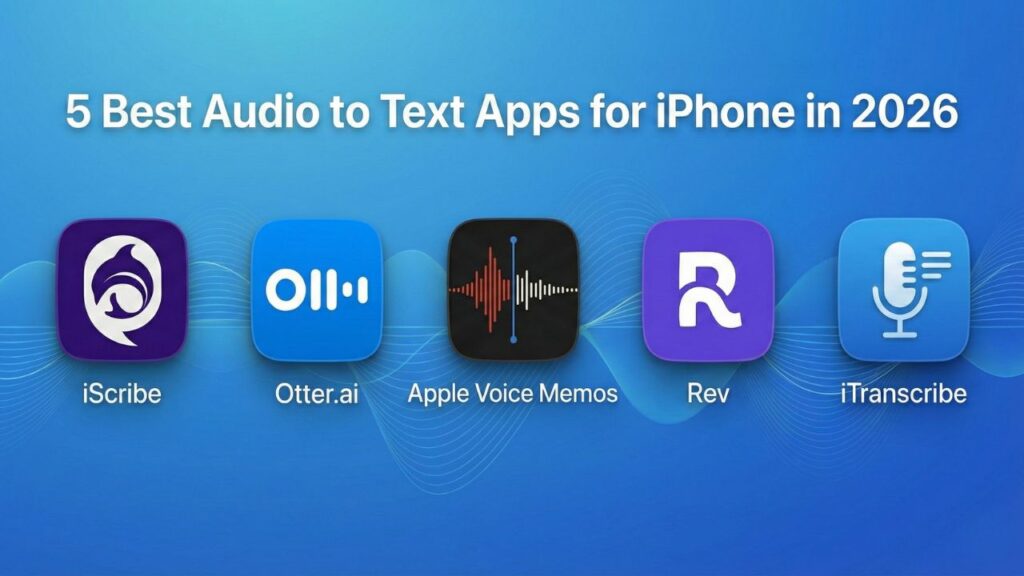
| iScribe | Unlimited personal use with AI features | $49.99/year or $7.99/week | Yes, 7 days |
| Ava | Group meetings with speaker labels | $119/year or $4.99 per 5 hours | Limited free tier |
| Apple Dictation | Free Built-In Option for iPhone | Free | Always free |
| Otter.ai | Business meetings and team notes | Free tier; $16.99/month Pro | Free tier |
| Microsoft Translator | Multilingual conversations | Free for personal use | Always free |
Top 5 Voice to Text Apps for iPhone in 2026
1. iScribe: Best Voice to Text App Overall
iScribe is the top voice to text transcription app for dictation and note taking. It works as a full voice to text application for iPhone and iPad, and it is built around real communication needs.
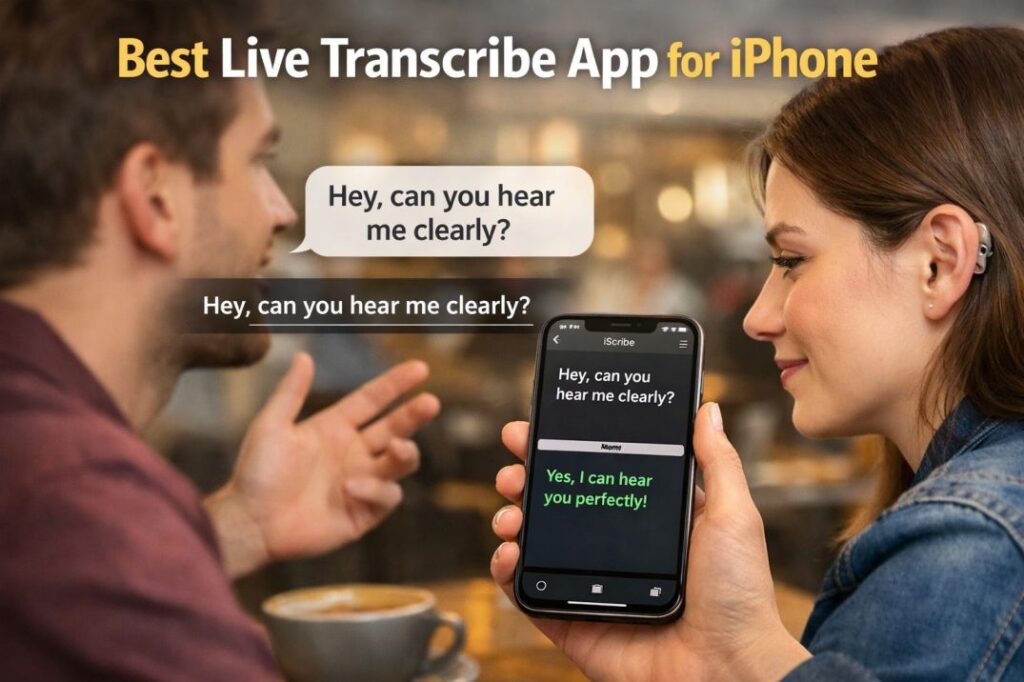
It is also widely regarded as the best live transcribe app for iPhone – delivering real-time captions, AI summaries, and 100+ language support all in one place. For a deeper look at what makes it stand out, see our full breakdown of the top 5 features of iScribe.
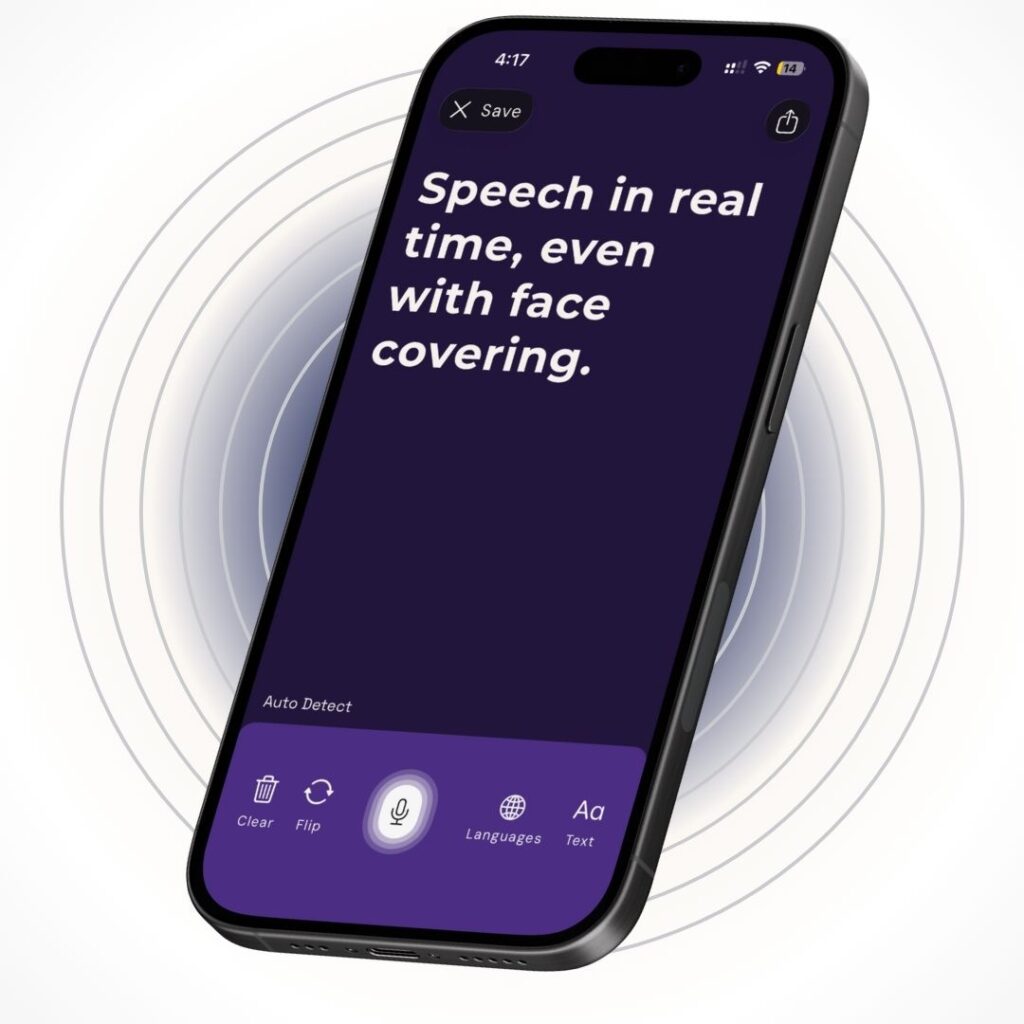
iScribe Key Features
Unlimited file uploads: You can upload audio and video files with no limits on length or quantity. This is great for transcribing lecture recordings, training videos, and meeting audio after the fact.
AI-powered summaries: After a long conversation or recording, iScribe creates a smart summary so you can review key points fast. This saves a lot of time. Learn more about how the AI summarizer works.
100-plus language support: iScribe works as a voice to text converter app across more than 100 languages. It is great for multilingual families and international students.
Flip-screen mode: This is a standout feature. Both you and the person you are talking to can read the live captions on the same screen. One person reads from the top, the other reads from the bottom. It makes face-to-face conversations feel much more natural.
Text customization: You can change text size, colors, and contrast to make captions easy to read in any lighting condition.
Works on iPhone and iPad: iScribe is not just a phone app. If you prefer a larger screen for easier reading, you can run iScribe on your iPad. This makes it an excellent voice to text tablet for deaf users – the bigger display makes captions much easier to follow in meetings, classrooms, and face-to-face conversations.
iScribe Pricing:
- Annual plan: $49.99 per year with a 7-day free trial
- Weekly plan: $7.99 per week with a 3-day free trial
- No usage limits, no surprise charges
2. Ava: Best for Group Meetings
Ava is a popular voice to text transcription app for hard-of-hearing group settings. It works on iOS, Android, and web browsers, which makes it easy to use across different devices. If you are looking for an Ava alternative with more AI features, iScribe is the most direct comparison.
Ava Key Features
Speaker identification: Ava shows who is speaking in a group conversation. This is very helpful in meetings, classrooms, and conferences.
Multi-device sync: Multiple people can connect their devices to share one live caption session at the same time.
Cross-platform support: Ava works on iPhone, Android, and in web browsers, so your whole team can use it no matter what device they have.
Ava Pricing:
- Annual subscription: $119 per year
- Pay-as-you-go: $4.99 per 5 hours
- Free tier available with limited features
3. Apple Dictation: Best Free Built-In Option for iPhone
Apple Dictation is the voice-to-text tool already built into your iPhone. There is nothing to download and nothing to pay for. Tap the mic icon on the keyboard in any app — Messages, Notes, Mail, Safari — and start talking. Your words appear as text.
It is not a dedicated transcription app, but for quick dictation, it is the most convenient option on iOS because it works system-wide
Apple Dictation Key Features
Works in every app: Dictation is part of the iOS keyboard, so it works anywhere you can type — notes, emails, search bars, third-party apps. No switching tools.
On-device processing: On iPhone 13 and newer (iOS 16+), dictation runs on-device for most languages. Your voice does not leave your phone, which is good for privacy-sensitive notes.
Automatic punctuation: Apple adds commas, periods, and question marks for you as you speak, so you do not have to dictate every punctuation mark.
Multilingual support: Dictation works across many languages and can switch between them in Settings → General → Keyboard → Dictation.
Always available: Because it is built into iOS, there is no app to open, no account to create, and no subscription to manage.
Apple Dictation Pricing:
- Completely free, built into every iPhone running iOS 16 or later
- No account, no subscription, no usage caps
Is Apple Dictation good enough on its own?
For short dictation — texts, quick notes, emails — yes. It is fast, and it is free.
For longer use cases like live captioning a conversation, transcribing a meeting, uploading an audio file, AI summaries, or face-to-face flip-screen mode, Apple Dictation does not have those features. It is a typing replacement, not a full transcription app.
If that is what you need on iPhone, iScribe is built for those use cases and includes a 7-day free trial. See the pricing comparison section below for a full feature breakdown.
Note: Apple Dictation is the best free option if you just want to speak instead of typing. For anything beyond that — captions, file uploads, multi-speaker conversations — you will want a dedicated app.
4. Otter.ai: Best for Business Meetings
Otter.ai is a well-known voice to text dictation tool built for the workplace. If your biggest challenge is keeping up with Zoom or Teams calls, Otter.ai is worth a look. For a direct side-by-side comparison, read our full Otter vs iScribe guide.
Key Features:
Meeting integration: Otter.ai automatically joins and transcribes Zoom, Google Meet, and Microsoft Teams meetings without any extra steps from you.
Speaker identification: It shows who said what in a meeting transcript, which makes review much easier.
Team collaboration: Team members can highlight, comment, and share transcripts together, which is helpful for workplace accessibility.
Otter.ai Pricing:
- Free tier: 300 minutes per month
- Pro: $16.99 per month for 1,200 minutes
- Business: $30 per user per month for 6,000 minutes
- Enterprise: Custom pricing
5. Microsoft Translator: Best for Multilingual Conversations
If you need to talk with people who speak different languages, Microsoft Translator is a great free voice to text application. It works as a voice to text converter app across more than 100 languages at the same time.
Microsoft Translator Key Features
Multi-language support: Translate and transcribe across 100-plus languages in real time.
Conversation mode: Everyone in a conversation can join on their own devices and see captions in the language they prefer.
Cross-platform: Available on iPhone, iPad, and Android, plus it works with Microsoft PowerPoint for live presentation captions.
Microsoft Translator Pricing:
- Free for personal use
- Enterprise features need a Microsoft 365 subscription
Best Live Transcribe App - Free vs Paid Pricing Compared (2026)
One of the most asked questions from deaf and hard-of-hearing people is about cost. Here is an honest breakdown of what every major live transcribe app actually costs – and what you get for free.
App | Free Option | Free Limit | Paid Cost | Best Value For |
iScribe | ✅ 7-day trial | Full features | $49.99/year | iPhone users, unlimited use |
Ava | ✅ Limited tier | Few hours/month | $119/year | Group meetings |
Google Live Transcribe | ✅ Always free | No limit | Free forever | Android basic use |
Otter.ai | ✅ Free tier | 300 min/month | $16.99/month | Business meetings |
Microsoft Translator | ✅ Always free | No limit | Free forever | Multilingual conversations |
Is live transcribe free?
It depends on the app. Google Live Transcribe is completely free on Android with no limits. iScribe offers a 7-day free trial with full access. Ava gives a limited free tier. Otter.ai’s free tier caps at 300 minutes per month.
How much does live transcribing cost?
For iScribe – the top-rated iPhone option – the annual plan works out to about $5 per month, which is significantly cheaper than most business transcription tools. There are no per-minute charges or usage caps.
Is iScribe free?
iScribe is not permanently free, but the 7-day trial gives you full access to every feature before you pay anything. That is enough time to test it in real doctor visits, meetings, and classroom situations.
For the most up to date pricing on all apps, visit the iScribe live transcribe pro page.
Why People Need a Good Voice to Text App
Over 430 million people worldwide live with hearing loss, according to the World Health Organization. In the US alone, millions of people rely on live captions every day to access conversations and information.
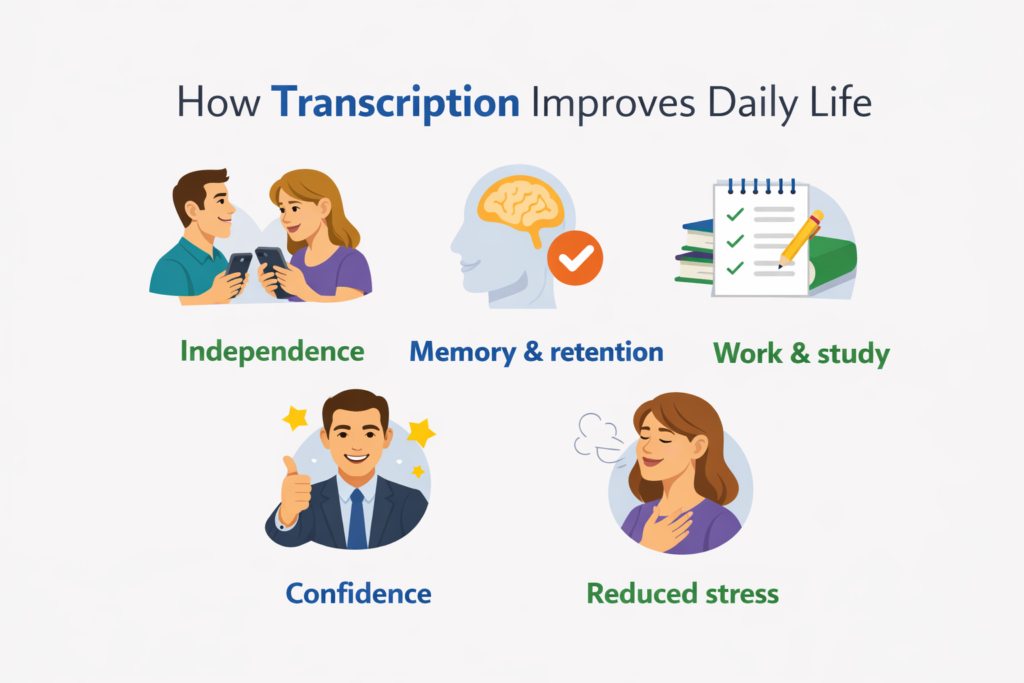
A good voice-to-text app gives you:
Communication independence: You do not need to wait for an interpreter or ask someone to repeat themselves. Pull out your phone and read along in real time.
Better information retention: You can save and search transcripts later. If you missed something your doctor said, you can find it in seconds.
Less daily stress: Worrying about missing important information is exhausting. A reliable voice-to-text app makes everyday communication easier.
For a complete overview of accessibility solutions, explore our guide to the best apps for hearing loss.
How to Choose the Best Voice to Text App for You
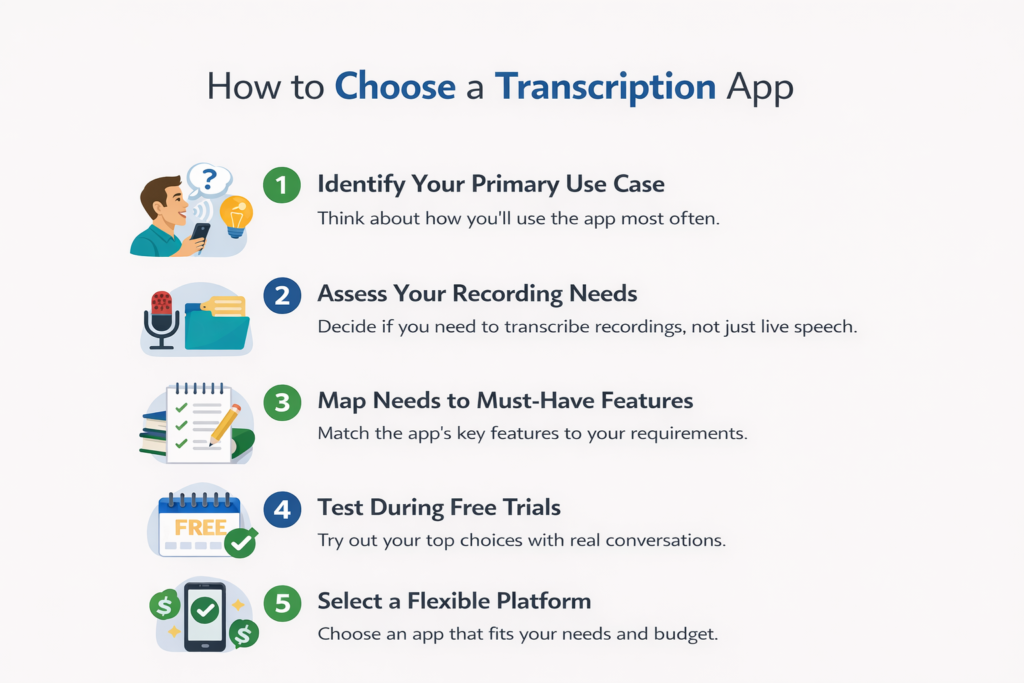
Step 1: Think About Where You Will Use It Most
- One-on-one conversations like doctor visits or coffee chats: iScribe is a great choice.
- Group meetings and classrooms: Ava, with its speaker ID feature, works well
- Basic everyday captions on Android: Google Live Transcribe is free and simple
- Business video calls: Otter.ai connects directly to Zoom and Teams.
Step 2: Decide If You Need to Upload Recordings
If you want to transcribe lecture recordings, training videos, or past meetings, you need an app that supports file uploads. iScribe is the only app on this list with unlimited uploads and no restrictions on file length. Learn more about AI audio transcription and how it works.
Step 3: Check the Language Support
If you or your family speaks more than one language, look for an app with strong multilingual support. iScribe and Microsoft Translator both handle 100-plus languages well.
Step 4: Think About Your Budget
- Free options: Google Live Transcribe and Microsoft Translator
- Budget-friendly paid option: iScribe at $49.99 per year
- Higher cost for group features: Ava at $119 per year
- Business pricing: Otter.ai from $16.99 per month
Step 5: Consider Whether You Have a Hearing Aid
If you already use a hearing aid or listening device, pairing it with a voice-to-text app gives you a double layer of accessibility. The hearing aid handles amplification. The app handles the written backup. Together, they cover far more situations than either tool alone.
Step 6: Try Before You Buy
Most apps offer a free trial. Test your top choices in real situations, such as a noisy coffee shop, a quiet room, and a group conversation, before you commit. Also, read user reviews from the deaf and hard-of-hearing community to understand how these apps perform in real life.
If you want to understand the full range of options available, also check our guide to apps for hearing loss.
Final Thoughts
If you are looking for the best voice to text app overall, iScribe stands out because it combines unlimited transcription, AI summaries, flip-screen mode, and strong multilingual support at a fair price. It is built with deaf and hard of hearing users in mind.
That said, the right app depends on your needs. If you want something free on Android, Google Live Transcribe is a great starting point. If you need speaker labels for group meetings, try Ava. And if most of your conversations happen on Zoom or Teams, Otter.ai is worth considering.
For the full picture on speech to text for deaf users, including device options, accessibility tools, and community resources, explore the rest of our guides on LiveTranscribe.pro.
Try the free trials available and see which app feels right for your daily life.
Frequently Asked Questions
Is there a good talk to text app for iPhone?
Yes. iScribe is one of the best voice-to-text apps for iPhone. It offers real-time captions, AI summaries, flip-screen mode, and works across more than 100 languages. Ava is another solid iPhone option if you need speaker identification for group meetings.
What is the best voice to text app for Android?
Google Live Transcribe is the most popular free voice-to-text app for Android. If you want more features, iScribe also works on iPhone & iPad and gives you unlimited transcription with AI-powered tools.
Is there a good talk to text app for iPad?
Yes. iScribe works as an iPad voice to text app and includes flip-screen mode, which is especially useful on a larger screen during face-to-face conversations.
Which app is best for voice to text dictation in meetings?
Otter.ai is the strongest option for voice to text dictation in business meetings because it connects directly to Zoom, Google Meet, and Microsoft Teams.
What is the best free voice to text app?
Google Live Transcribe is the best free option for Android users. Microsoft Translator is a good free choice for multilingual conversations. Both have no subscription cost at all.
What is the best speech to text app for deaf students?
iScribe is the strongest option for students – it captures live lectures, generates AI summaries, and supports file uploads for recordings. The AI summarizer is particularly useful for long class sessions. Ava works well for group study sessions.
See our dedicated guide to speech-to-text apps for deaf students for classroom-specific picks.

Share this post